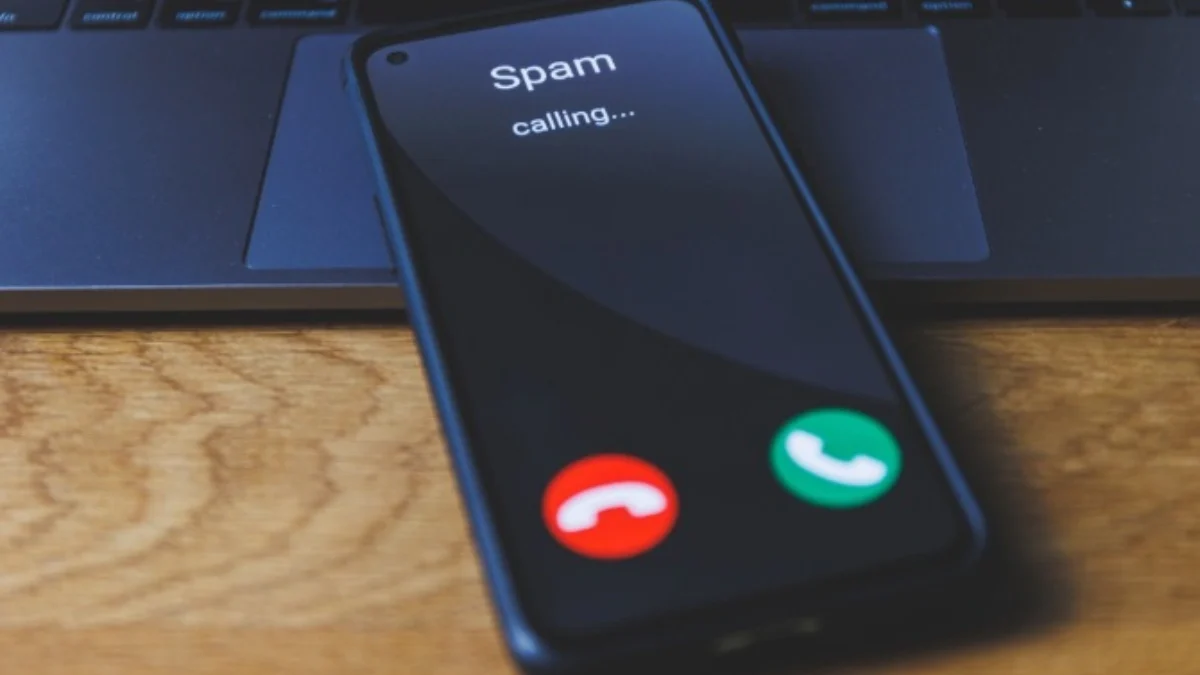
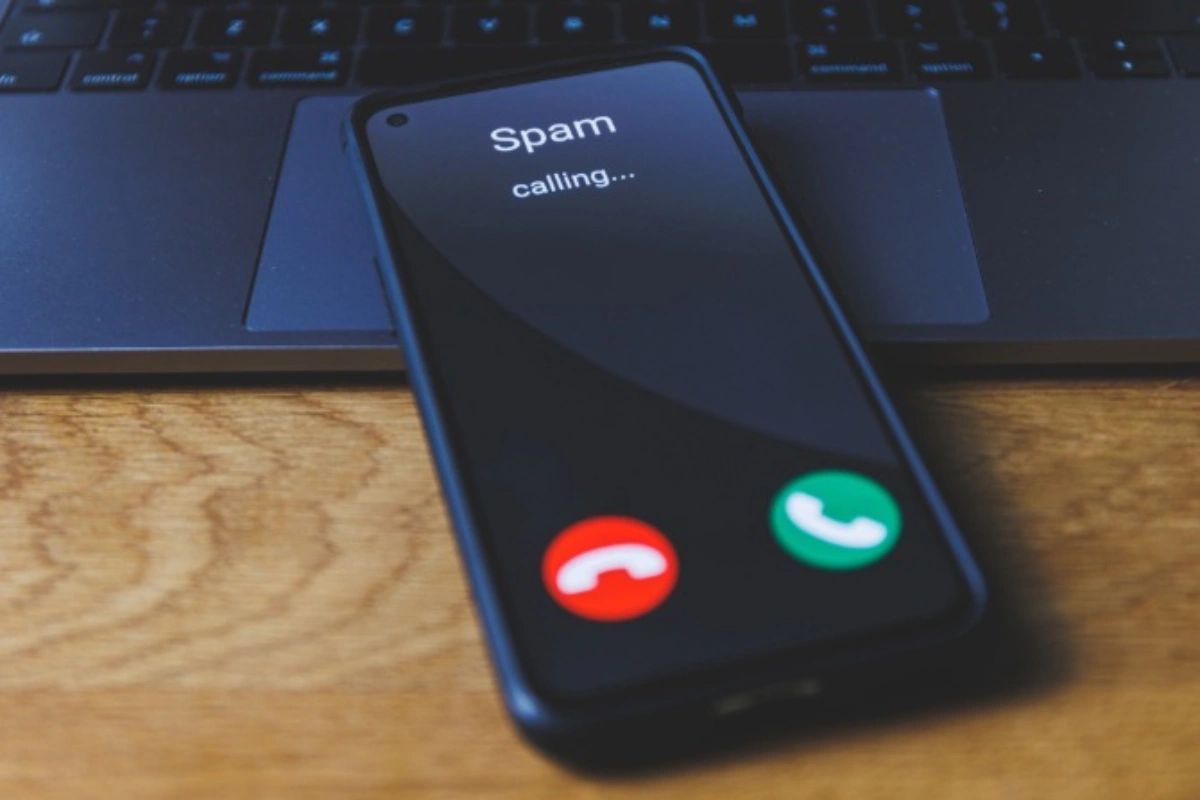
It’s 6:15 p.m. Dinner is almost ready when your phone starts ringing. You ignore it. Your partner’s phone lights up with another suspicious number. Then your teenager announces that someone just called to discuss an outstanding debt on an account they’ve never opened. Wonderful. Apparently, your entire household has become a target audience.
Spam calls are frustrating enough on one device. When everyone in the family owns a different phone, uses a different carrier, and has different security habits, the problem becomes harder to manage. Blocking one number won’t fix the situation. What works better is a shared phone-safety routine that gives every family member the tools to handle unwanted calls.
Here’s a checklist to get started.
Table of Contents
1. Find the Weak Spots in Your Household’s Phone Setup
Start by taking stock of all phones used on a regular basis. This will include your children’s phones, elderly family members, remote workers, and anyone who tends to be called from unknown numbers.
Take the following into consideration:
- What operating system it is on and if there are any updates available
- Mobile provider and any spam filters they offer
- Built-in caller ID
- Call blocking apps that are installed
- Key contacts they may be using unknown numbers to call you
We’re starting with a stock take because not all phones are going to give the same level of protection. Different settings on iOS vs Android and some mobile providers offer extra filtering. This will help you identify what devices already have some good protections in place and what needs to be worked on. You’ll know what doesn’t need fixing.
2. Activate the Phone Features You’re Probably Ignoring
Your smartphone may already have several ways to manage unwanted calls. They’re just hiding somewhere in the settings.
Look for any options to help you identify suspicious spam, mute unknown calls, or block certain numbers. You may find that some mobile network providers have built-in spam filters as part of their packages. Others will charge extra for extra features.
Turn any on that are relevant to your family members. Show how to check missed calls, identify spam alerts, and listen to voicemail messages.
Be careful with strict filtering. A doctor’s office, delivery driver, or school administrator might call from a number nobody has saved. The idea is to reduce unwanted interruptions, not make the household impossible to contact.
3. Give Persistent Spammers the Boot With an App
While built-in settings can help you, using a dedicated call-blocking app can give you extra tools to help you identify and manage unwanted calls.
Depending on what app you use, you can have features that can help:
- Spam identification: Notifies you when a number has been flagged as an unwanted call.
- Automatic filtering: Automatically blocks or puts on silent based on your chosen settings.
- Custom block lists: Block certain numbers.
- Call history: Lets you see who has been calling you and identify any patterns.
Before choosing an app, ensure it is compatible with your devices, has good privacy, doesn’t ask for too many permissions, and if there are any subscription costs.
For more practical advice on how to stop spam calls, look into different call filters. No app can guarantee that it will catch all suspicious callers. However, call blocking software can give you an extra layer of security and should not be seen as a replacement for using common sense.
4. Establish Family Rules for Calls That Slip Through
Even a good spam filter won’t catch everything. Someone will eventually answer a suspicious call, and everyone should know what to do next.
Establish a few rules:
- Don’t give out any passwords, bank details, or verification codes.
- Don’t send money to someone who has created an urgent situation.
- Don’t trust caller ID.
- Don’t give out any personal details.
- Check independently if they are asking for unusual financial information.
Remind younger members of your family to keep their personal details safe. Older members may benefit from examples of callers pretending to be from banks, government bodies, or family members. Keep the conversation straightforward. Nobody needs a weekly lecture about phone security.
5. Schedule a Ten-Minute Monthly Checkup
Spam protection isn’t a one-time project. New spam phone numbers, changing valid contacts, and software updates can affect you.
Select a day each month to go through your blocked numbers, update your applications, and check your filtering settings to ensure you have not accidentally blocked any important contacts.
Have any users received any suspicious calls or missed any valid contacts? Adjust settings where required. Learning how to stop spam calls becomes much easier when everyone takes responsibility instead of leaving one person to manage every device.
A quieter household doesn’t require complicated technology or an expensive collection of applications. It takes sensible phone settings, a suitable call-blocking app, and a family routine that actually gets followed. That’s a much better use of ten minutes than listening to another stranger explain why you’ve supposedly won a prize.
Also read: Access Problem in Nursing Education That Software Quietly Solved